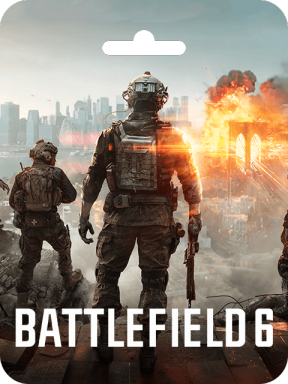
About Battlefield 6 Coins (EA App):
Battlefield Coins can be used in the in-game Store to purchase Soldiers, Weapon Packages, Vehicle Skins, and a host of other cosmetic accessories and boosters. Can also be used to purchase the Battle Pass.
Why Choose SEAGM to Buy Battlefield 6 Coins (EA App)?
Our dedicated customer support team is ready to assist you anytime. Reach out to us!
- Fast and Hassle-Free
Get your Battlefield 6 Coins (EA App) on SEAGM in quick and easy. - Flexible Payment Options
Pay using the most popular payment methods in Worldwide. - Instant and Secure Delivery
Receive your purchase securely and instantly. - Exciting Offers and Promotions
Take advantage of incredible deals, giveaways, and exclusive offers only on SEAGM. Read more in SEAGM News!
Buy Battlefield 6 Coins (EA App) with SEAGM
Get Battlefield 6 Coins (EA App) and offers when you sign in to your SEAGM account. If you're new, sign up with SEAGM today! Our 24/7 support team is here to assist you anytime. Please don't hesitate to reach out for help via our 'Contact Us' page and or visit our support website at https://help.seagm.com/.
Browse SEAGM website to find what you need, or check out more gaming news, exclusive offers, and updates at https://news.seagm.com/.